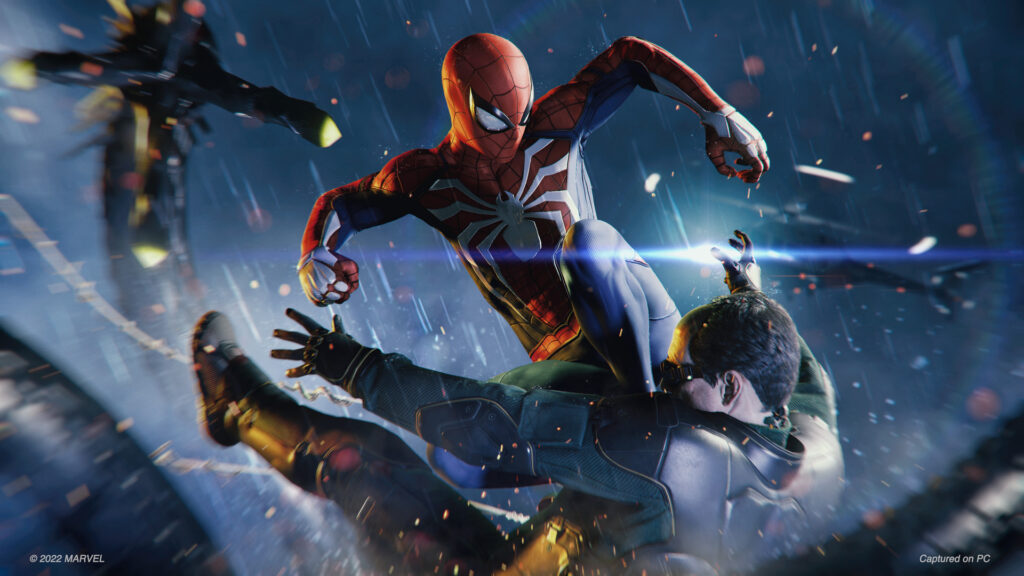
Marvel’s Spider-Man PC Guide: Best Settings for Smooth Performance
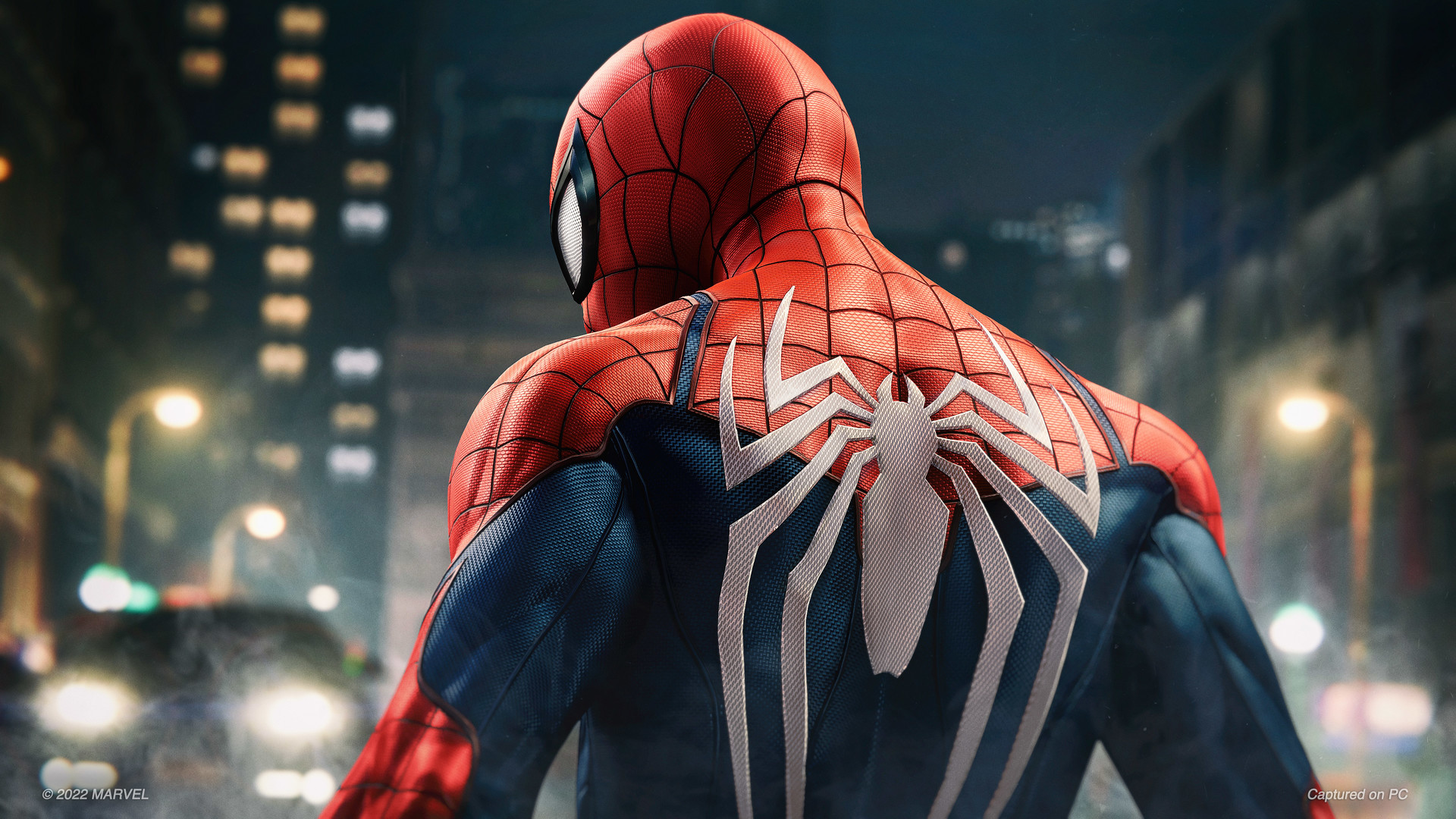
Marvel’s Spider-Man on PC scales well across a wide range of hardware, but a few key settings make a big difference to frame rate while swinging at full speed.
Settings That Matter Most
Crowd density, traffic density and ray-traced reflections have the largest performance impact. Lowering them provides a noticeable boost.
Upscaling Options
Modern upscalers deliver sharp image quality at much higher frame rates. Use the quality preset on mid-range cards for the best balance.
Recommended Presets
- Entry-level: medium textures, low crowds, upscaling on performance.
- Mid-range: high textures, medium crowds, upscaling on quality.
- High-end: very high settings with ray tracing enabled.